Turn speech into text: A live transcription app
LiveType is a transcription app that turns speech into text. Choose a live stream, a microphone recording or an audio file; fix the text as it is written, name the speakers and work with your team at the same time.
No card needed. 30 minutes of transcription on the free plan.
LiveType in numbers
0transcripts made
0hours of speech written down
0words written
Wherever the speech comes from
To transcribe, paste a link, pick a channel, turn on the microphone or drop a file. In 99 languages.
Streaming platforms
Streams and videos from YouTube, X, Facebook, Twitch, Kick and Dailymotion: The text flows as they play.
TV channels
Pick a news channel from the ready list or enter your own m3u8 link, and read it while it is on air.
Microphone
Meetings, interviews, lectures: Speech turns into text as it happens, and the recording stays on your device.
Audio and video files
MP3, WAV, M4A, MP4 and 10 more formats: Drop a file and it is transcribed on your device, whole or in part.
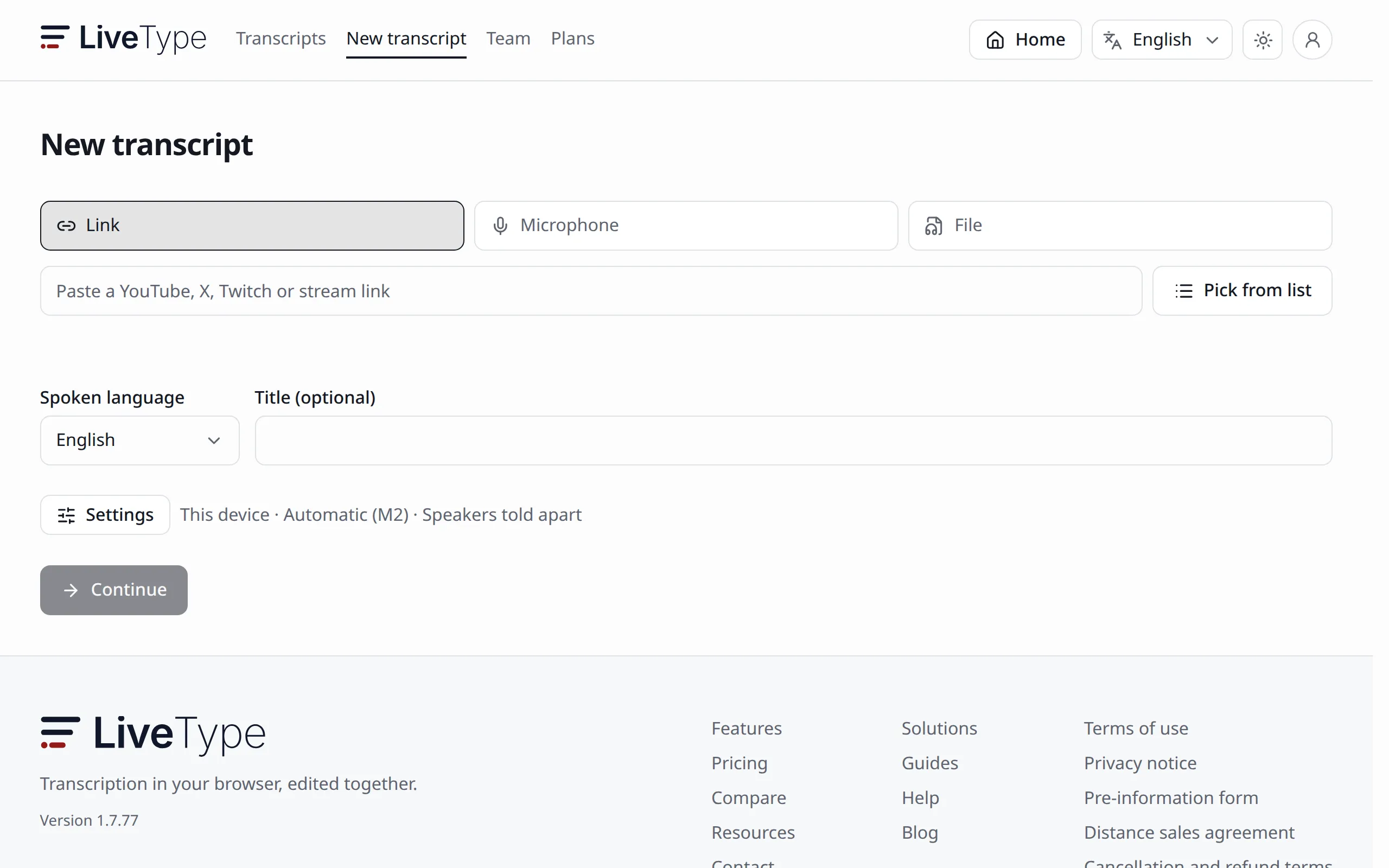
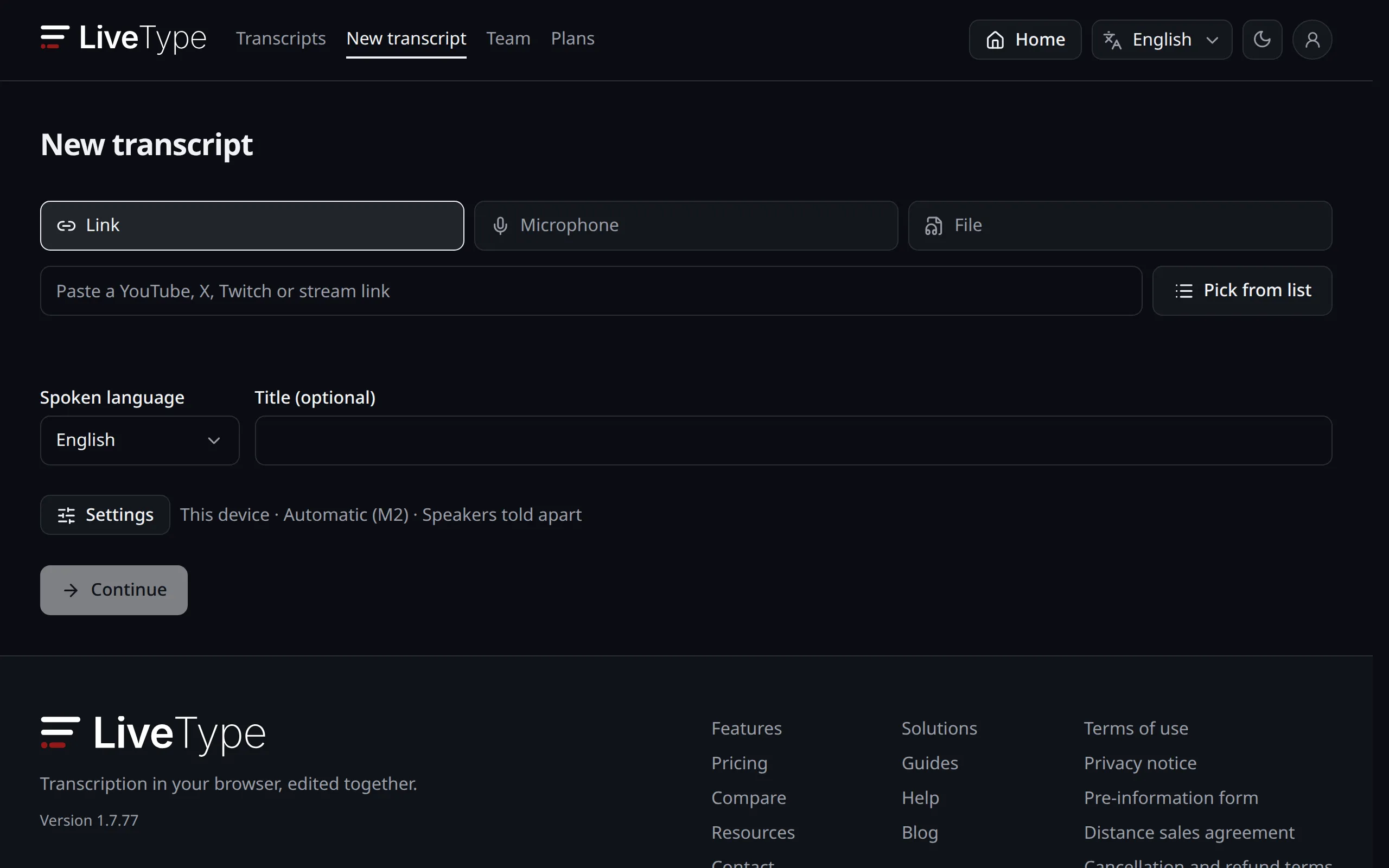
New transcript: A stream link, the microphone or a file 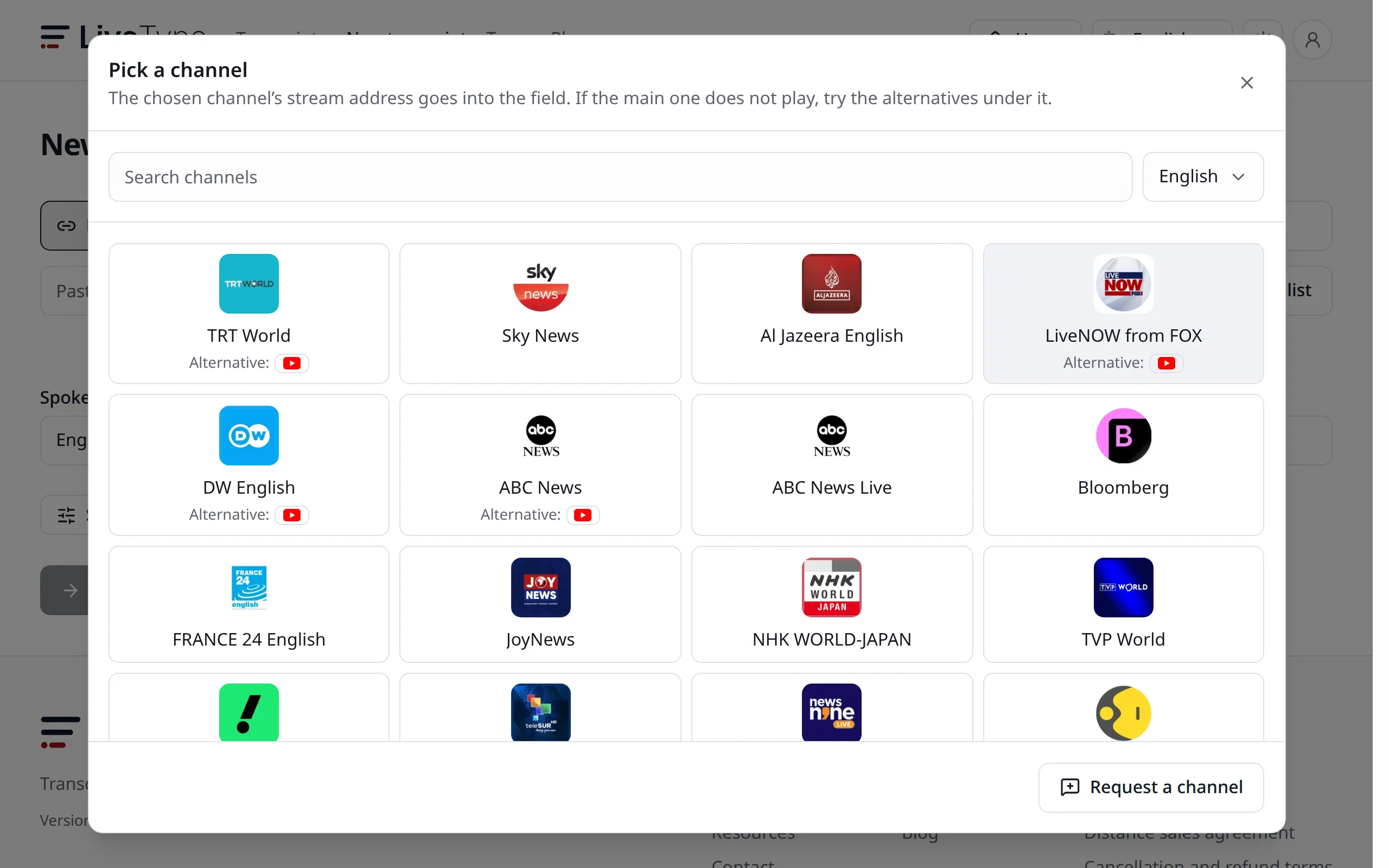
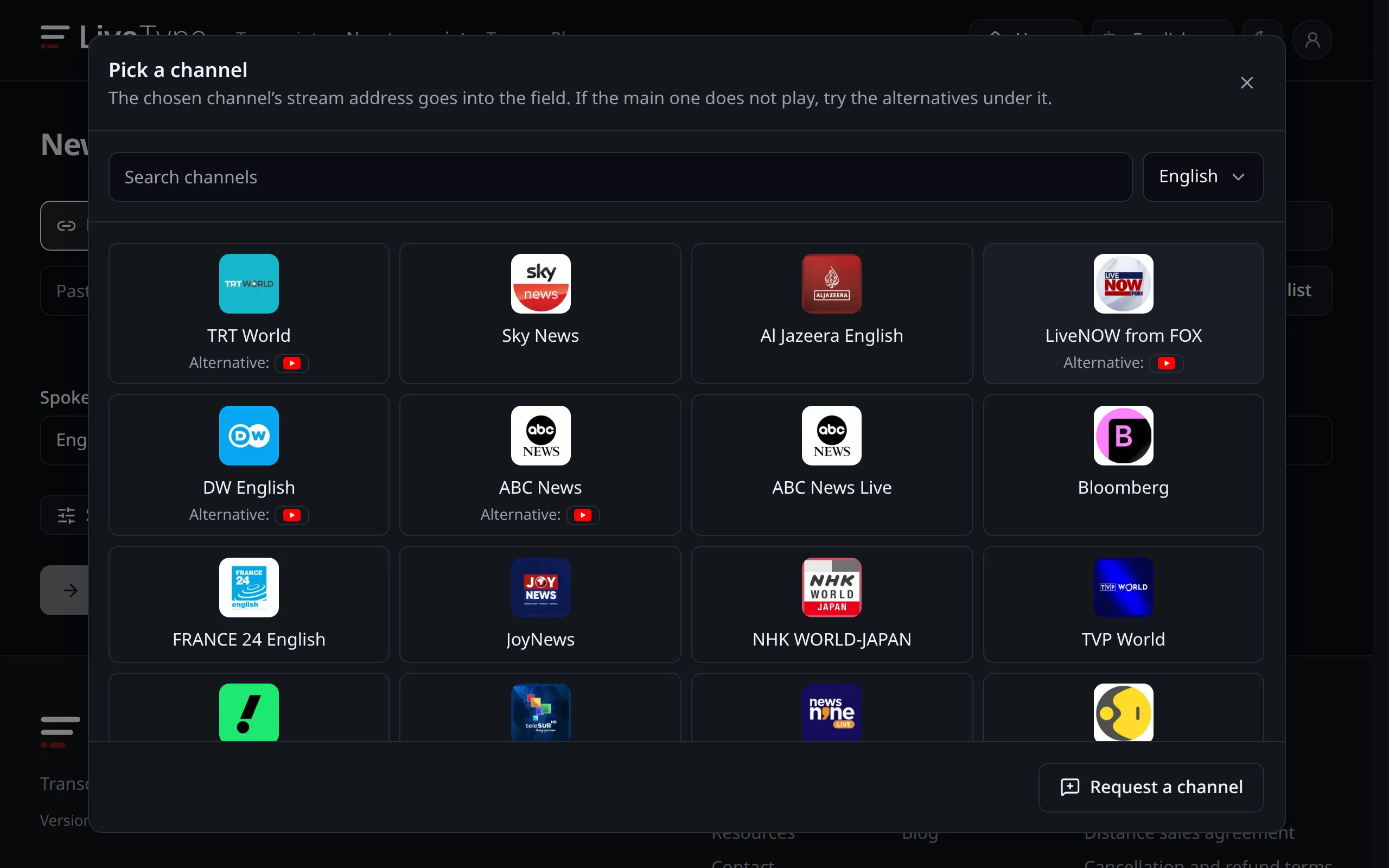
The list of news and TV channels with their logos 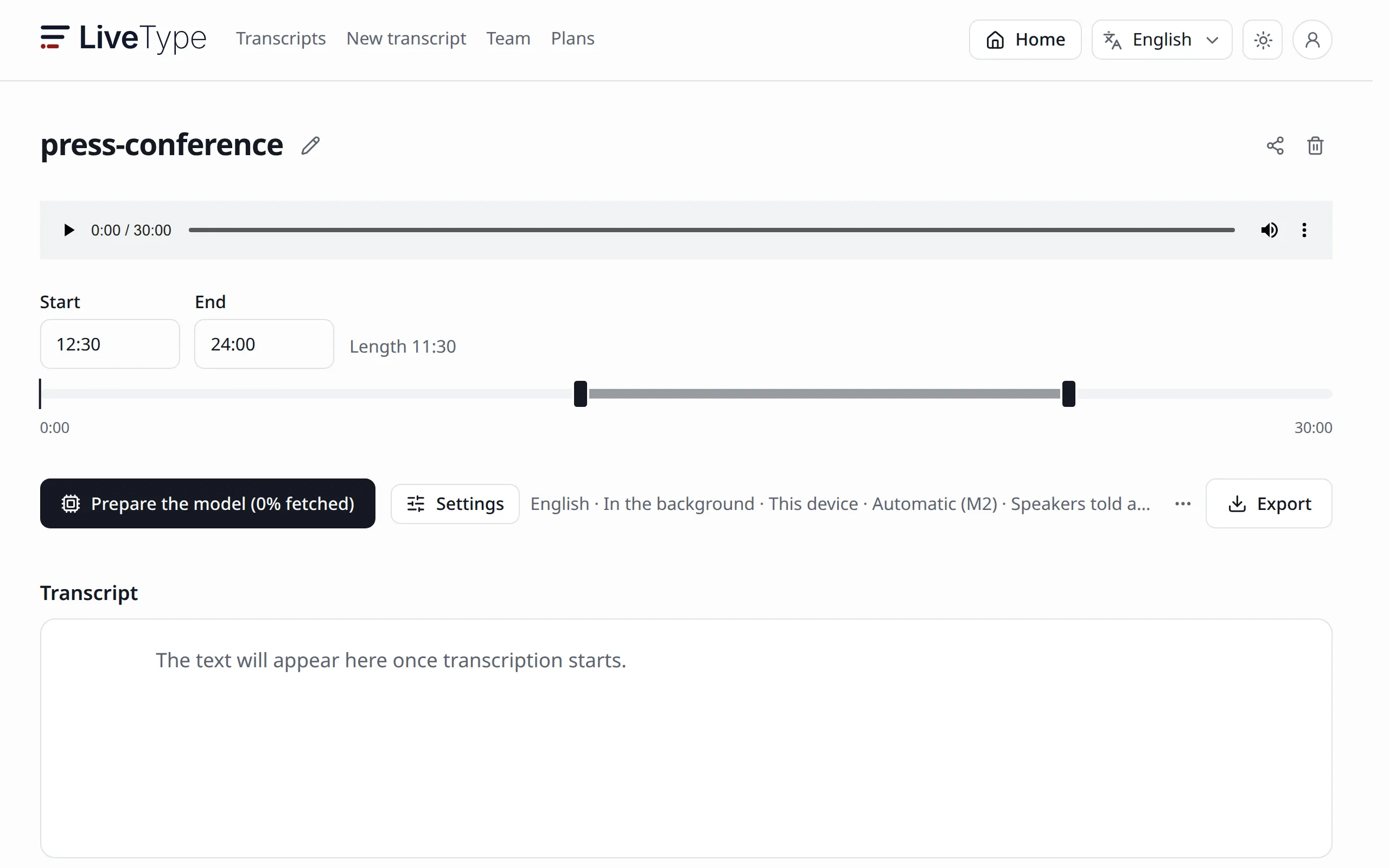
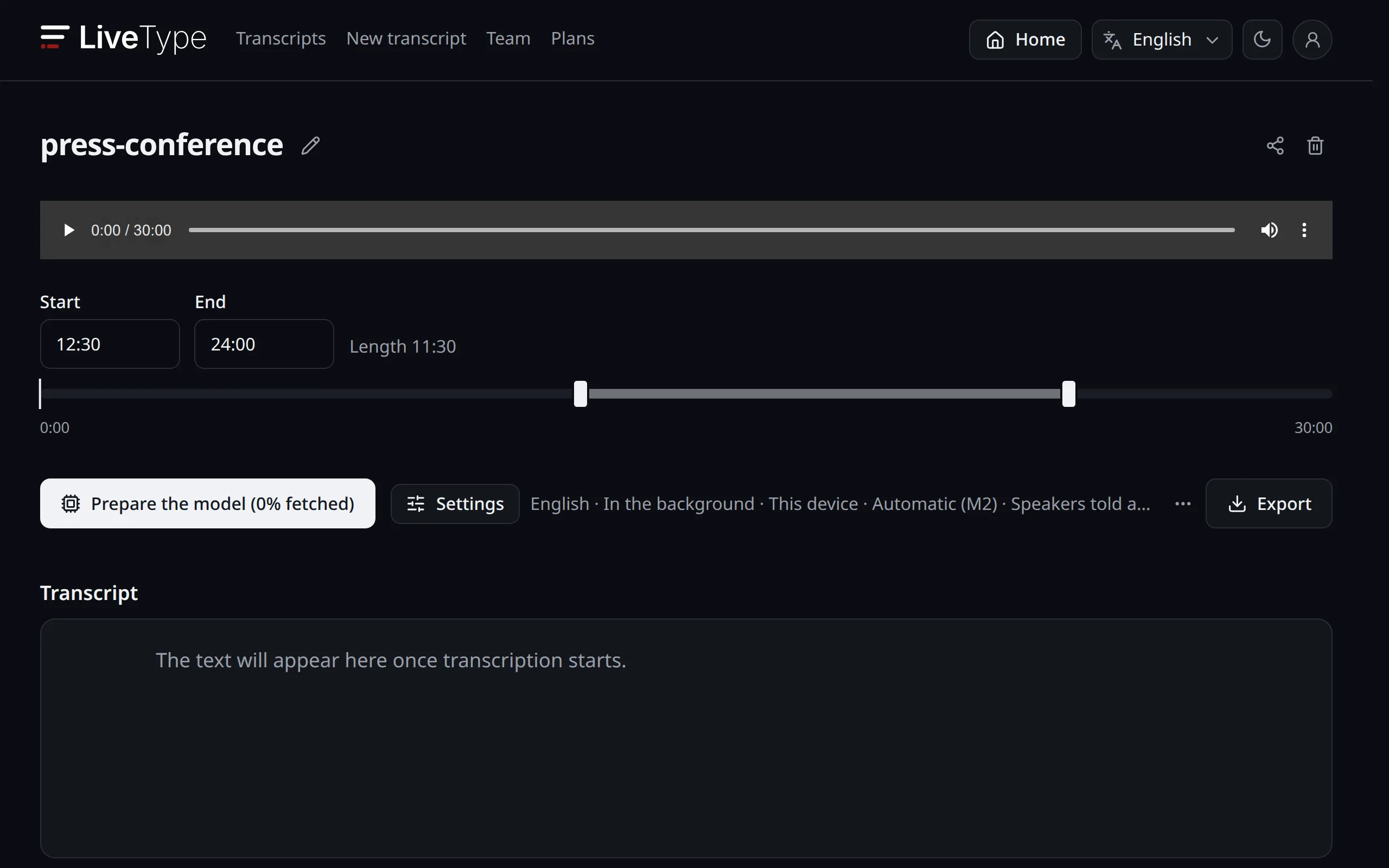
Choosing a range with a start and an end time 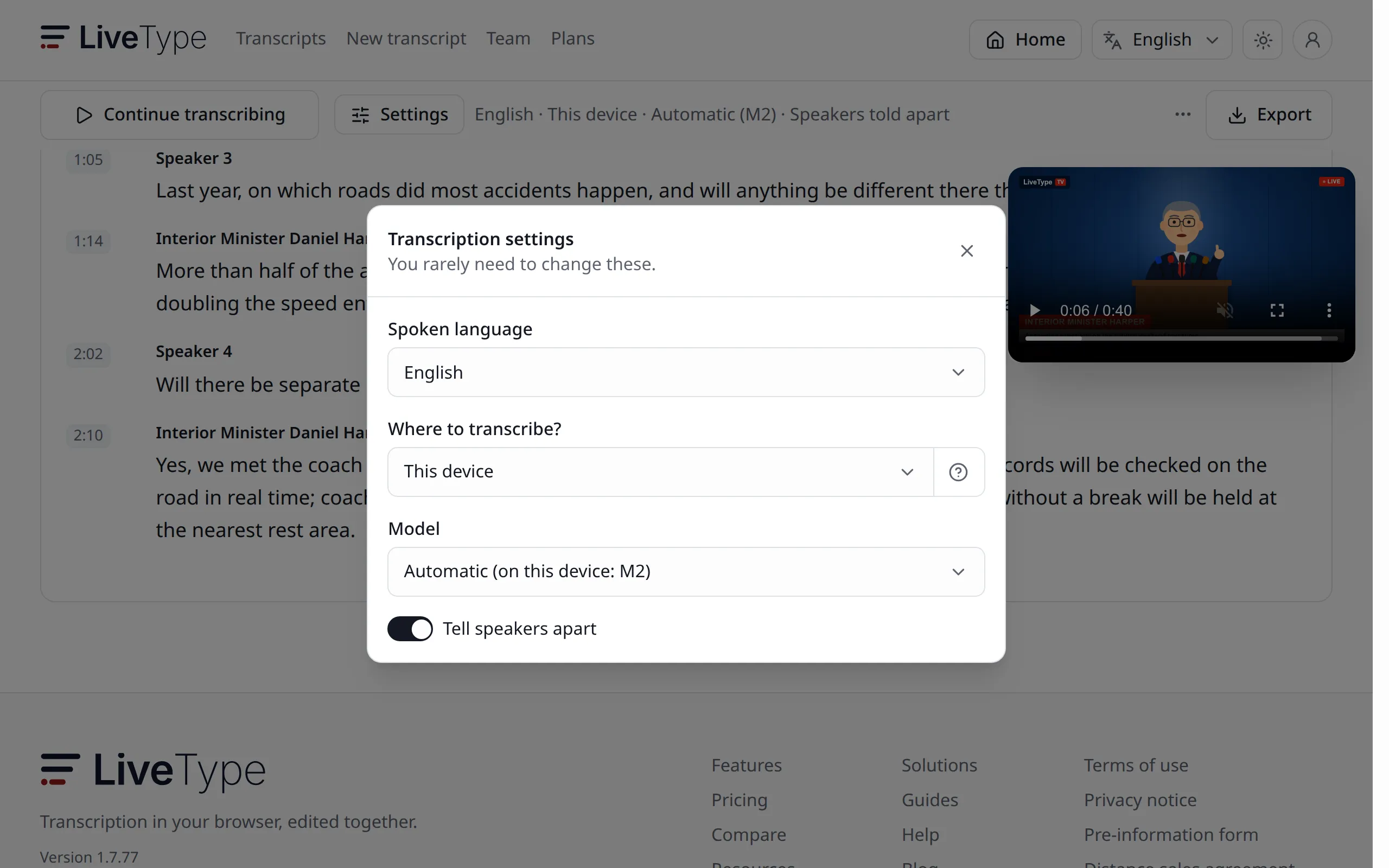
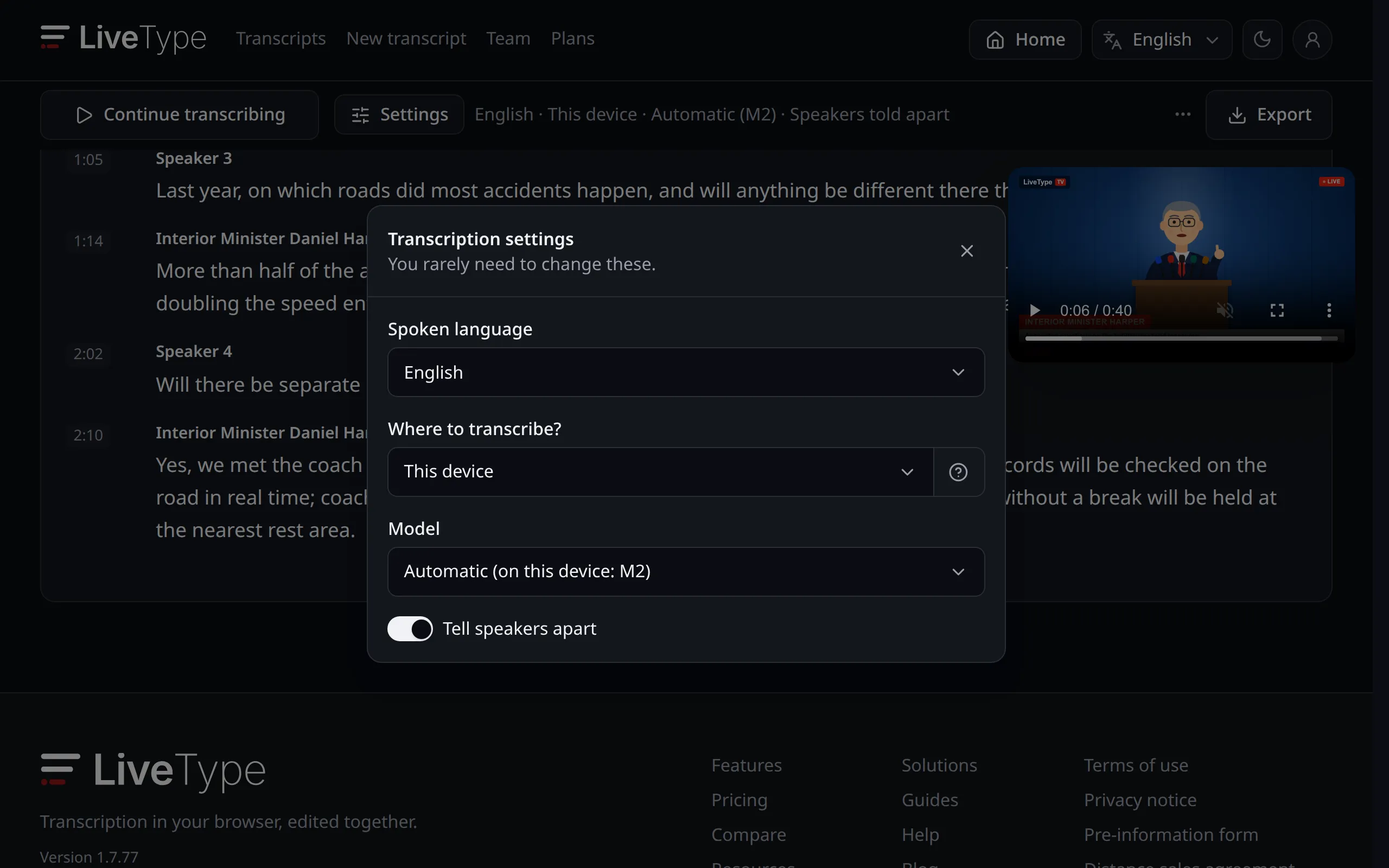
This device, another device of the team or the cloud; choosing the model 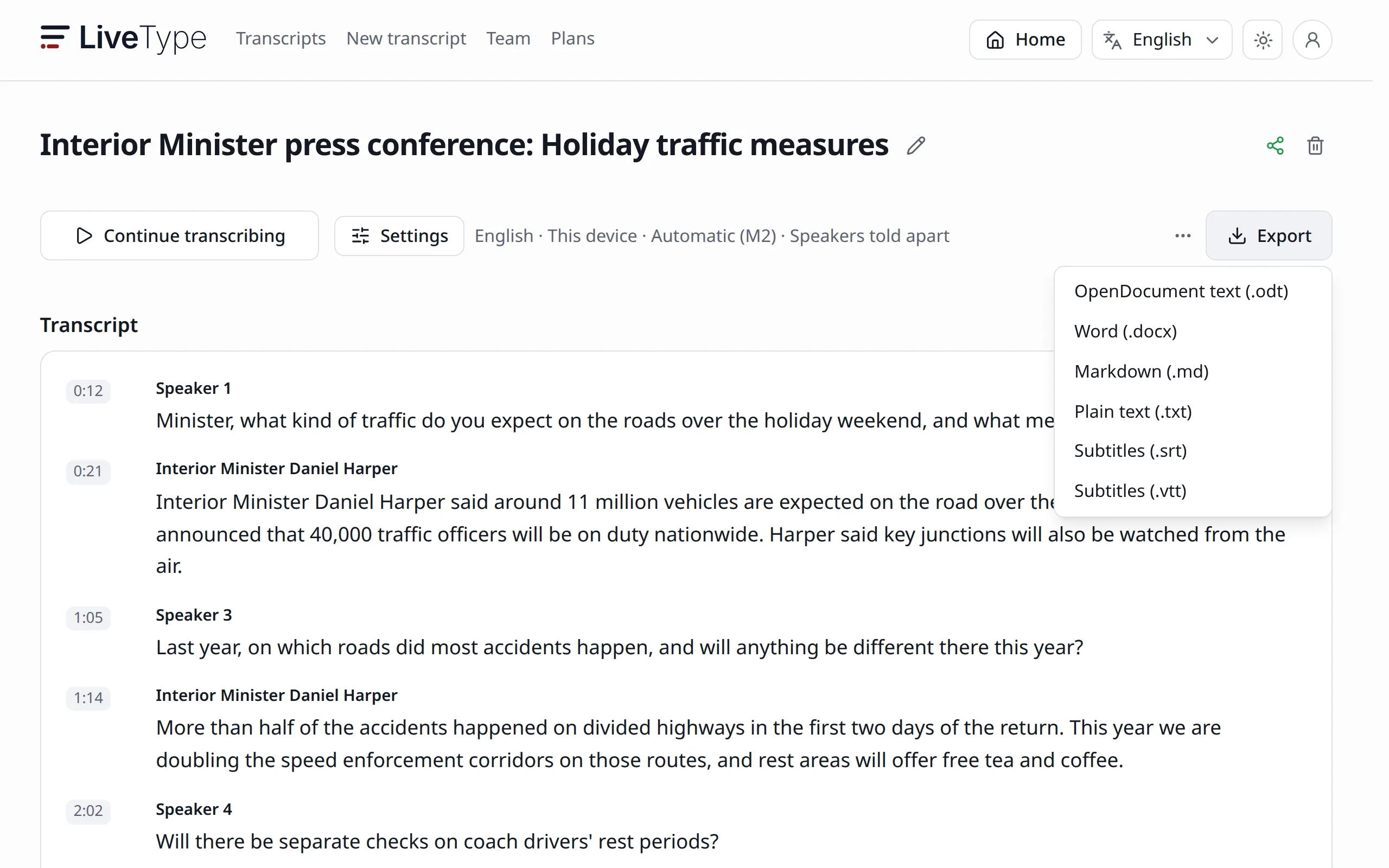
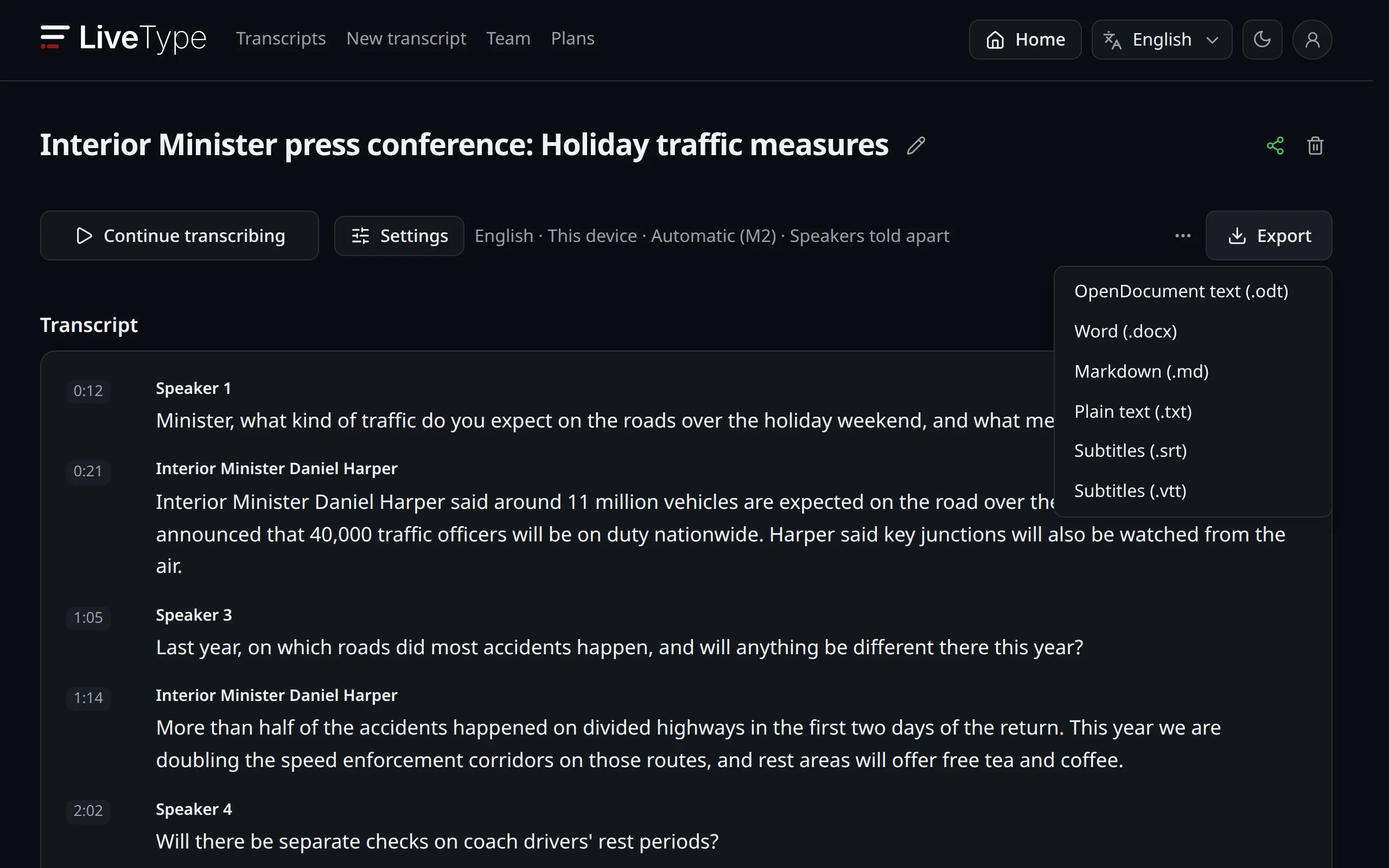
DOCX, ODT, MD, TXT, SRT and VTT options
Edit while it transcribes
Every settled sentence goes straight into the editor; transcription goes on while you correct. Text not settled yet is shown faded and never touches what you wrote.
- Correct, undo and format as you type
- Paragraphs break where the speech pauses
- The live text and your edits never mix
Know who said what
With diarization on, every new voice becomes its own speaker. Name them once; when they speak again in the same transcript, they are recognized.
- A new speaker starts a new paragraph
- Names are shared with your team
- Voice prints stay on your device, encrypted
One text, your whole team
Share a transcript with your team: Everyone edits at once and sees where the others are writing. A link is enough for those who only read.
- Live cursors and names
- Share with several teams
- Public, read-only link
Who is it for?
Journalists and newsrooms
Write the story during the press conference and pull the quote before the stream ends.
Meetings and talks
No bot in the meeting: Get the text from your microphone while people speak.
Researchers and students
Write down an interview or a lecture without the audio leaving your device.
Content creators
Get your video's text and make an SRT subtitle file.
Where should it transcribe?
Choose by your device and your needs; switching is one click.
This device
The Whisper AI model runs right in your browser. The audio goes nowhere, and once started, transcription goes on even if the connection drops.
- Keeps going if the connection drops
- No extra cost
Transcriber device
Let a powerful computer, yours or a teammate's, transcribe for you. The audio goes straight there, encrypted and peer to peer.
- For weaker devices
- Peer to peer
Cloud
Groq, OpenAI or a compatible service with your own API key: The audio goes from your browser straight to the provider. With a credit package it passes through our server unsaved on the way to the provider.
- Fastest on files
- Your own API key
Chosen under “Where to transcribe?” in the transcript page's settings.
Export the way you need
Download the text with speaker names and formatting.
- .odt
- Open standard document for LibreOffice and other office suites
- .docx
- Microsoft Word document
- .md
- Lightly formatted markdown text for note apps and the web
- .txt
- Plain text that opens anywhere
Subtitles · SRT · VTT
Get timed SRT and VTT files; upload them to YouTube Studio or use them in your video editor. LiveType does not burn subtitles into the video, it gives you the file to download.
Version history: Go back to an earlier text
Earlier states are kept as the transcript changes. Pick a version and go back, seeing what will come back and what will go.
14:30 · Even a one-word fix shows up in a version The meeting starts on
TuesdayWednesday morning.
Confidential conversations become text without leaving your device
Personal data, news sources, patient or client interviews, meetings behind closed doors… With “This device” selected, the audio becomes text in your browser and is sent neither to our server nor to any other device. Only the text is saved, and you can check this yourself in your browser's Network tab.
- The recording is never sent to a server or to another device
- Speaker voice prints stay encrypted on this device only and are deleted after 60 days unused
- If you choose the cloud, the audio goes only to the provider you pick: Directly with your own key, through our server unsaved with a credit package
Which devices?
Nothing to install: It opens in the browser and can be added as an app.
Chrome, Edge
Windows, macOS, Linux
- Streams (tab audio)Yes
- MicrophoneYes
- FilesYes
Firefox, Safari
Desktop
- Streams (tab audio)Only streams that allow it
- MicrophoneYes
- FilesYes
Android, iPhone
Phones and tablets
- Streams (tab audio)Only streams that allow it
- MicrophoneYes
- FilesYes
Install it as an app: "Install app" or "Add to Home Screen" in the browser's menu.
A ready channel list
Pick the live streams of more than 150 news and TV channels from the list.
How it differs from other transcription tools
These tools mostly transcribe a finished recording. LiveType writes while people are still speaking, lets you edit the text as it appears and can process the audio on your device.
Sonix, TurboScribe, UniScribe and Transkriptor turn the files and recordings you upload into text. Wave and VoiceDocs focus on recordings of calls and meetings, and Voiser offers text to speech alongside file transcription. Besides files and recordings, LiveType writes live streams, TV channels and the microphone while people speak; it lets you edit the text with your team as it appears and can process the audio in your browser without sending it to a server.
Whisper Web TRFree
If you want to turn a recording into text on your own device with no payment and no account, you can use Whisper Web TR. Whisper Web TR is free, unlimited, fast and secure, but because it does not use your device's graphics processor it can make more mistakes. Choose LiveType when you need advanced features such as live text, editing and speaker separation, version history and working together.
Have your transcript ready at the next stream
Try it for free; carry on with your team if you like it.